

The independent guide for design subscription studios.
The software studios actually run on, what it costs this month, and how to run the queue so clients stop asking what is happening.
Compare the tools and pricesWhich one sounds like your studio this week?
StudioSift is for people running a design subscription studio, and for designers about to start one. Pick the sentence that sounds like your week.
Clients keep asking what is in progress
Your queue lives in Trello or Slack and two clients want a status update a day. Start with the daily queue review and the two words that stop the questions: received and active.
Read the request queue guideI am about to launch a subscription
You have the offer in your head and no clients yet. Most studios start with a free Trello board, one rule (one active request per client) and a written brief template. Here is the full list to set up before the first payment lands.
See the launch checklistI am choosing or replacing software
Seven kinds of software, the products that matter for a subscription studio, what each costs this month, and the cases where a shared board is still the right answer.
Compare the software and pricesThe software a design subscription studio actually needs
Four of the seven categories carry most of the weight. The other three, time tracking, automation and all-in-one platforms, are on the software page with prices.
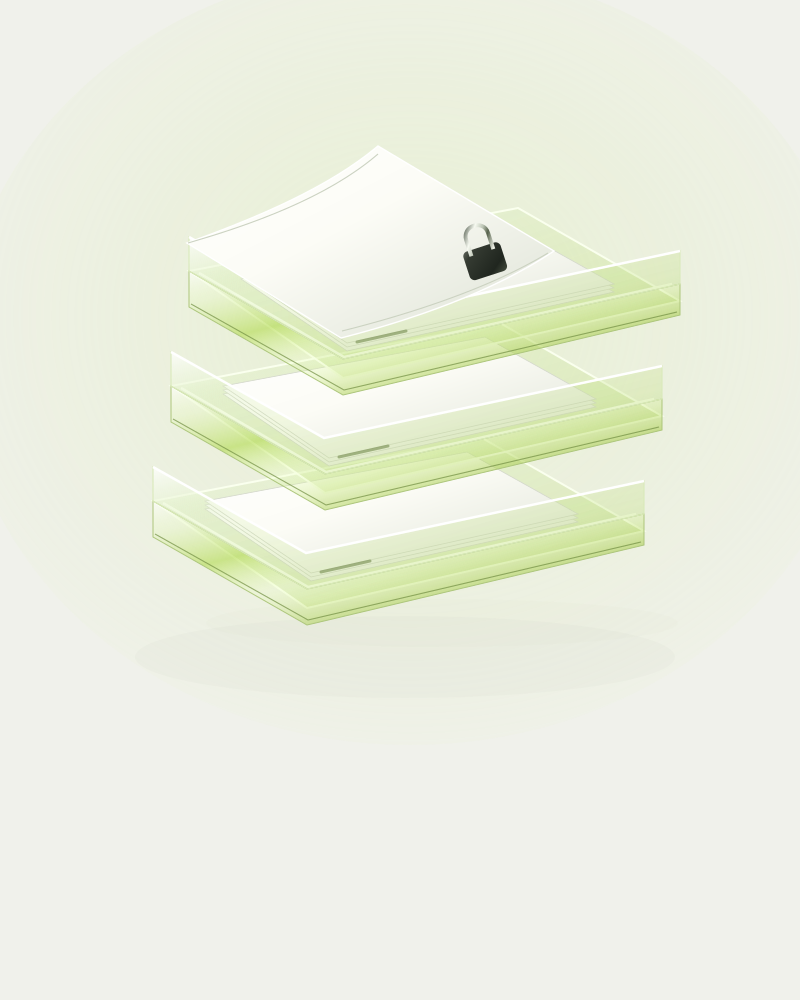
Request queues
Trello, Notion, ClickUp or a dedicated queue tool such as ManyRequests. This is the list of what is received, ready and active.
Client portals
Copilot, ManyRequests, Zendo, or a shared board with guest access. One place clients look instead of emailing you.
Proofing and feedback
Figma comments, Filestage, Ziflow. Every comment stays attached to the right version.

Billing and subscriptions
Stripe on its own or inside a portal. Pauses, failed payments and what happens to the queue when they happen.
One system owns the queue. Everything else plugs into it.
Most studios buy a portal, a proofing tool and a billing app before deciding which one holds the truth about what is active. Decide that first. The diagram shows the four layers and the direction information should flow.
Read the software stack guide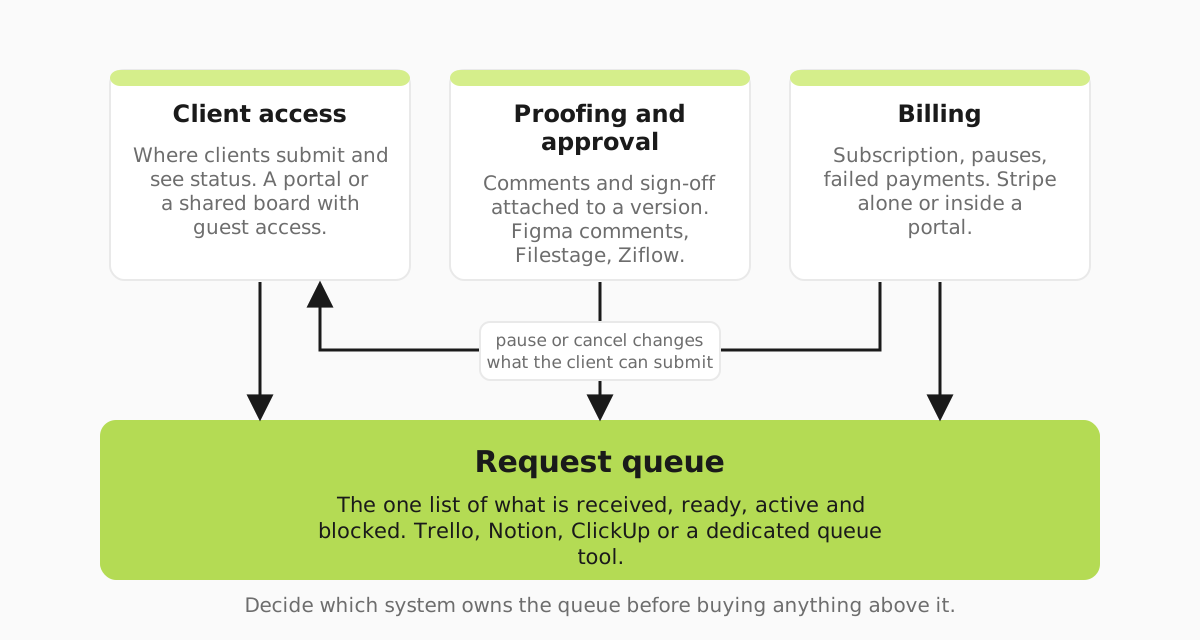
Running the studio: the six decisions that keep coming back
Pricing, onboarding, the queue, feedback, capacity and billing. Each guide ends with something you can change this week.
Service design & pricing
How to price a design subscription: what one offer promises, a worked check that your monthly price covers your hours, and when to add a second tier.
Client onboarding & portals
How design subscription studios take a new client from payment to a brief they can start: what to collect once, who gets access and what to check.
Requests & delivery
Run design subscription requests so clients know what is in progress: five states, who moves each card, and how DesignJoy and Penji word turnaround.
Feedback & approvals
How design subscription studios stop revisions getting lost in Slack: one approver, one review round, a revision test and an approval line on each card.
Capacity & profitability
For studio founders: a twenty-minute sum for how many design subscription clients one designer can carry, and when the next hire pays off.
Billing & retention
For studio founders: what happens to the active request when a payment fails or a client pauses or cancels, and how to keep clients without discounting.
The guides are collected in Run your studio.
Studio worksheets you can copy today
Plain-text briefs, checklists and worksheets. Each comes with a filled-in example so you can see what good looks like before you start your own.
All four are in Templates and tools.
Every price on this site is read from the vendor's own pricing page, and each page shows the month its prices were checked. We take no vendor money and run no affiliate links. Articles are drafted with AI assistance and edited by people who read them the way a studio owner would. How we research and how StudioSift is funded.